

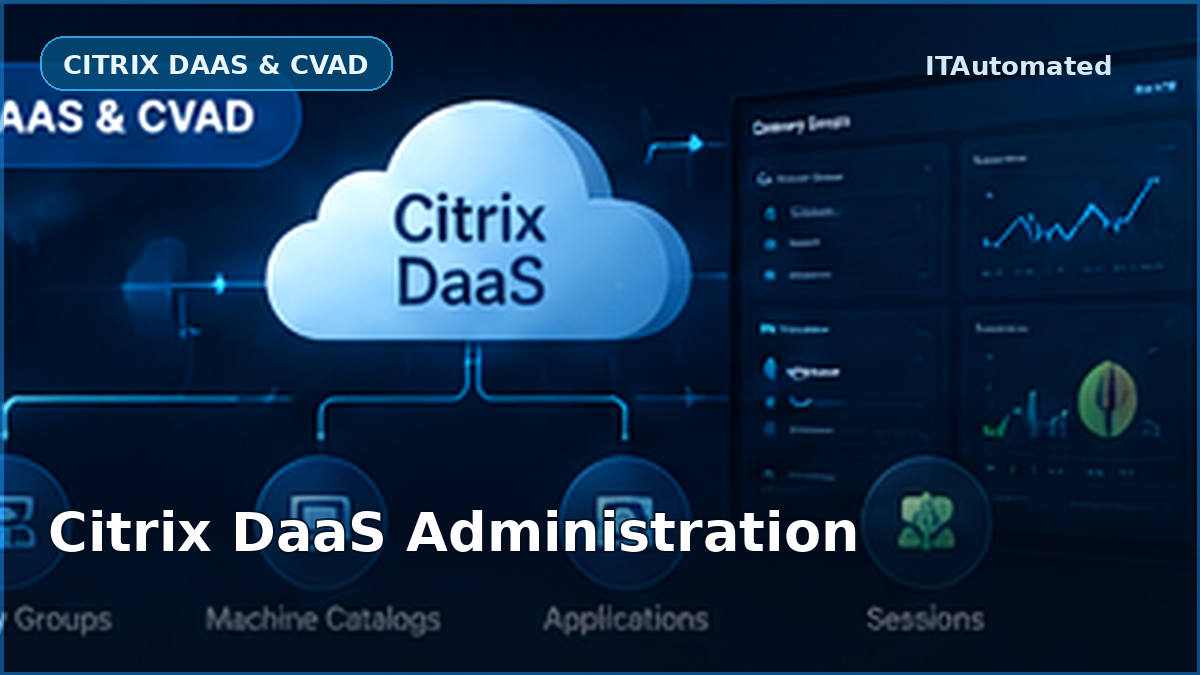
Citrix DaaS administration becomes easier when every object is understood in context. Machine Catalogs, Delivery Groups, applications, Application Groups and sessions are not isolated configuration items. They form a chain that determines where a workload runs, who may access it and what the user receives.
This article explains that chain in practical operational terms. It is written for administrators who need to troubleshoot access, investigate sessions, publish applications or understand why a resource is not available to a user.
The Citrix DaaS administration chain
A simplified Citrix DaaS delivery path looks like this:
- A machine image or existing machine is prepared.
- The machines are placed in a Machine Catalog.
- Machines from one or more compatible catalogs are assigned to a Delivery Group.
- Users or groups are granted access.
- Desktops and applications are made available.
- Citrix brokers a user session to an eligible VDA.
When a launch fails, the problem can exist anywhere along this chain. Effective troubleshooting therefore starts by identifying which object controls the affected part of the workflow.
What is a Machine Catalog?
A Machine Catalog is a collection of physical or virtual machines that share a common operating-system and provisioning model. The machines may be single-session, multi-session or Remote PC Access devices.
The catalog answers questions such as:
- Which machines belong to this workload?
- Are the machines single-session or multi-session?
- How were they provisioned?
- Which master image or provisioning process created them?
- What is the catalog’s functional level?
Machine Catalogs do not, by themselves, define user entitlement. A machine can exist correctly in a catalog but still be unavailable because it is not assigned to the required Delivery Group, is unregistered, is in maintenance mode or has an unsuitable power state.
What is a Delivery Group?
A Delivery Group selects machines from compatible Machine Catalogs and defines how those machines are delivered to users. It controls the relationship between capacity, user access, applications and desktops.
Administrators normally use a Delivery Group to determine:
- Which machines supply the workload.
- Which users or groups may access it.
- Whether desktops, applications or both are delivered.
- How load and session availability are handled.
- Which desktop assignment or access rules apply.
A useful troubleshooting question is: Does the user have access to the Delivery Group as well as the application? Application entitlement alone does not guarantee that the underlying machines are available to that user.
Where do applications fit?
A published application defines the program or content that Citrix presents to users. Its configuration can include the published name, executable path, command-line arguments, working directory, visibility, browser name, user assignments and group associations.
Every application must be associated with an appropriate Delivery Group or Application Group. If an application is visible in administration but unavailable to users, check:
- Whether the application is enabled and visible.
- Whether the executable path exists on the target VDAs.
- Whether the user has the required entitlement.
- Whether the associated Delivery Group contains usable machines.
- Whether Application Group restrictions or tag restrictions apply.
What is an Application Group?
An Application Group is an optional logical collection of applications. It can simplify administration when a set of applications must be shared across multiple Delivery Groups or restricted to a subset of users.
Application Groups can also influence session sharing and resource selection. This makes them useful, but it introduces another association that must be checked during troubleshooting.
For a selected application, an administrator should be able to answer:
- Which Application Groups contain it?
- Which Delivery Groups are associated with those Application Groups?
- Which users are entitled at each level?
- Are tag restrictions limiting the eligible machines?
Sessions are the live result
A session is the live connection between a user and a VDA. It brings together the user, client device, Delivery Group, machine, application and connection state.
Session investigation commonly includes:
- User and machine name.
- Connected, active or disconnected state.
- Client name, address, platform and version.
- Delivery Group and Machine Catalog.
- Applications running in the session.
- Logon and connection times.
Before disconnecting or logging off a session, verify that the correct user, session ID and machine have been selected. A disconnected session may still contain unsaved work.
A practical investigation workflow
1. Start with the user or application
Confirm the exact published name, username and reported symptom. Avoid investigating a similarly named application or a different user session.
2. Check entitlement
Review direct users, groups, Delivery Group access and Application Group membership.
3. Check machine availability
Confirm that eligible machines are registered, powered on, outside maintenance mode and not at a limiting session capacity.
4. Inspect the live session
If a session already exists, review its state, client information, hosted application and machine details before taking action.
5. Record the evidence
Capture the application associations, machine state, session state and any action taken. This makes repeated incidents easier to compare.
How ITAutomated supports this workflow
ITAutomated brings the related information into dedicated operational modules:
- Application Access shows application details, assigned users, Application Groups, Delivery Groups, associated servers and sessions.
- Desktop Management presents machine registration, power, maintenance, session and assignment information.
- Session Management supports Citrix and Windows-session investigation with confirmed actions.
- User Session follows a selected user through AD account, process, policy, application, SmartAccess and HDX context.
- Citrix Management provides scoped reporting and controlled operational workflows.
Review the complete ITAutomated capabilities or follow the Getting Started guide.
Frequently asked questions
Can a Delivery Group contain machines from more than one catalog?
Yes, provided the selected catalogs contain compatible machine and assignment types. A specific machine can belong to only one Delivery Group at a time.
Does every application need an Application Group?
No. Application Groups are optional. Applications may be associated directly with Delivery Groups or managed through Application Groups, depending on the design.
Why can an application be enabled but unavailable?
Common reasons include missing entitlement, an unavailable Delivery Group, unregistered machines, maintenance mode, tag restrictions or an invalid executable path.
Official references
- Citrix DaaS overview
- Create machine catalogs
- Create delivery groups
- Manage applications
- Create application groups
About ITAutomated
ITAutomated is a Windows desktop administration platform for Citrix, Active Directory, diagnostics, licensing, documentation and controlled operational workflows. It is designed to help administrators see the relevant context, preview sensitive operations and retain useful evidence.
Explore ITAutomated capabilities or visit the Support Centre.
Explore the ITAutomated administration workflows
Review the Citrix, Active Directory, diagnostics, licensing and documentation capabilities behind the technical guidance.
